

Always On

Documentation

Always On
TL;DR
- Always On keeps your marketplace accounts and HappySellers signed in on a computer we run, not on yours.
- You pick a plan of 1, 3, 6 or 12 months and pay once, upfront; it does not renew by itself.
- After you pay, the HappySellers team sets up your workspace; you install nothing.
- You sign your accounts in from the Always On page with your account password, and enter a code if the marketplace sends one.
- Renew before your plan ends, or the workspace and every signed-in account are removed.
Normally the HappySellers extension works in your own Chrome, so your computer has to be on. Always On is for sellers who want their accounts to stay signed in around the clock. For example, Inventory Sync reads your stock from the marketplace on a schedule through Always On.
Where to find it
Always On at the bottom of the sidebar, just above your profile.
Before you start
- A HappySellers account.
- The password of each marketplace account you want to keep signed in.
- Your billing address, for the GST invoice.
Start Always On
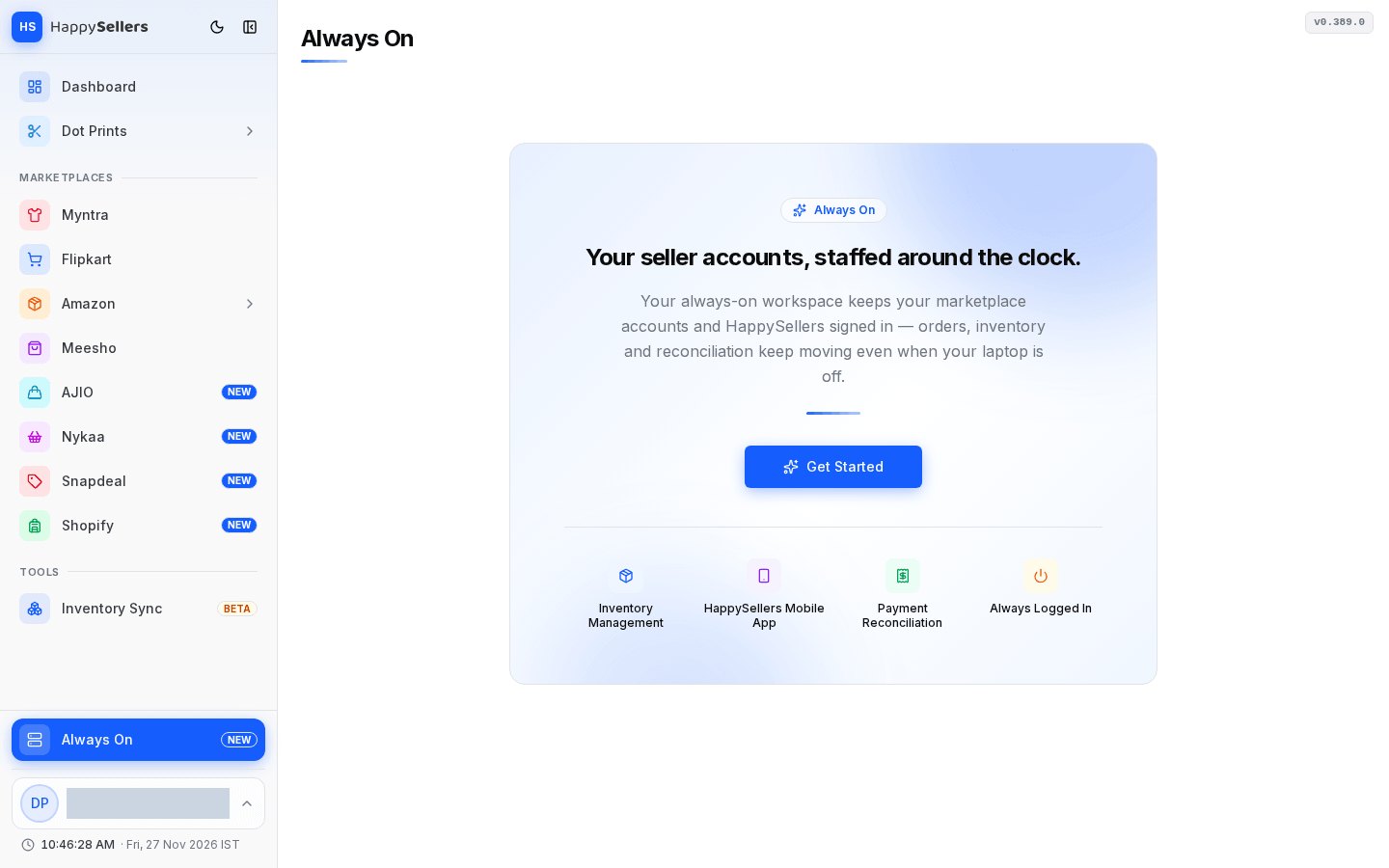
- Open Always On and press Get Started.
- In Confirm Always On plan, pick 1 month, 3 months, 6 months or 12 months. The plan price, GST and the total are shown.
- Fill in your billing address if it is asked for.
- Read the Billing & Refund Policy, tick I've read and agree to the policy above, including that this payment is non-refundable. and press Continue to Pay.
- Pay. Wait for Confirming your payment… to finish, and do not close the window.
The page then shows You are on Always On with your plan and its end date. The HappySellers team sets up your workspace. When it is ready, the card reads Your always-on workspace with an Active badge and the days left.
Sign your accounts in
- Under Connected accounts, find the account you want to keep signed in. To add one, press Add account, pick the marketplace (Amazon, Flipkart or Myntra), enter Account email / username and Account password, and press Add.
- Enter the Account password on its row. Amazon accounts also ask for the Amazon sign-in email or mobile number.
- Press Login. The row shows Signing in….
- If the marketplace sends you a code, the row shows Enter the code we sent you →. Enter it in Enter the OTP and press Submit code.
- When it works, the row shows Logged in.
If you leave the password empty, the password saved earlier for that account is used.
Options
| Option | What it does |
|---|---|
| Plan length | 1, 3, 6 or 12 months, billed once, upfront. |
| Renew | Buys your next plan period. Paying early adds it after the current one. |
| Add account | Adds an Amazon, Flipkart or Myntra account to your Always On list. |
| Login | Signs that account in on Always On. |
| Re-check login status | The refresh button next to Logged in checks the account is still signed in. |
Good to know
- Not a subscription. Each plan is a one-time charge. Nothing is charged again by itself, and no card or UPI mandate is saved.
- Non-refundable. The payment cannot be refunded, including for early cancellation.
- Paid separately. An Always On plan is paid for at checkout; it is not paid with order credits.
- Renew in time. If your plan has ended you see Your plan has expired — renew now or you'll lose your workspace. If you do not renew, your workspace and every signed-in account are removed, and setting it up again starts from scratch.
- After it ends you cannot sign accounts in: Your Always On plan has ended. Please recharge to sign in your accounts again.
- "That email or password looks incorrect — please check and try again." Check the password and press Login again.
- A CAPTCHA on sign-in: the row says the team has been notified and will finish signing it in for you.
- "There was an issue while signing in — please contact support." Contact Support.
- Before your workspace is ready, signing in shows No active Always On workspace found for your account. Wait for the team to finish the set-up.
Related
FAQ
Does my computer need to stay on with Always On?
No. Your accounts stay signed in on a computer HappySellers runs for you, so your own computer can be off.
Do I need to install the HS Always On extension?
No. HS Always On runs on the Always On computer, and the HappySellers team sets it up for you.
Does Always On renew automatically?
No. Each plan is paid once, upfront. Press Renew on the Always On page before your plan ends.
Can I get a refund for Always On?
No. Always On payments are non-refundable, as the policy you agree to before paying says.
Which accounts can I add from the Always On page?
The Add account button takes Amazon, Flipkart and Myntra accounts. Your other connected accounts are listed under Connected accounts.